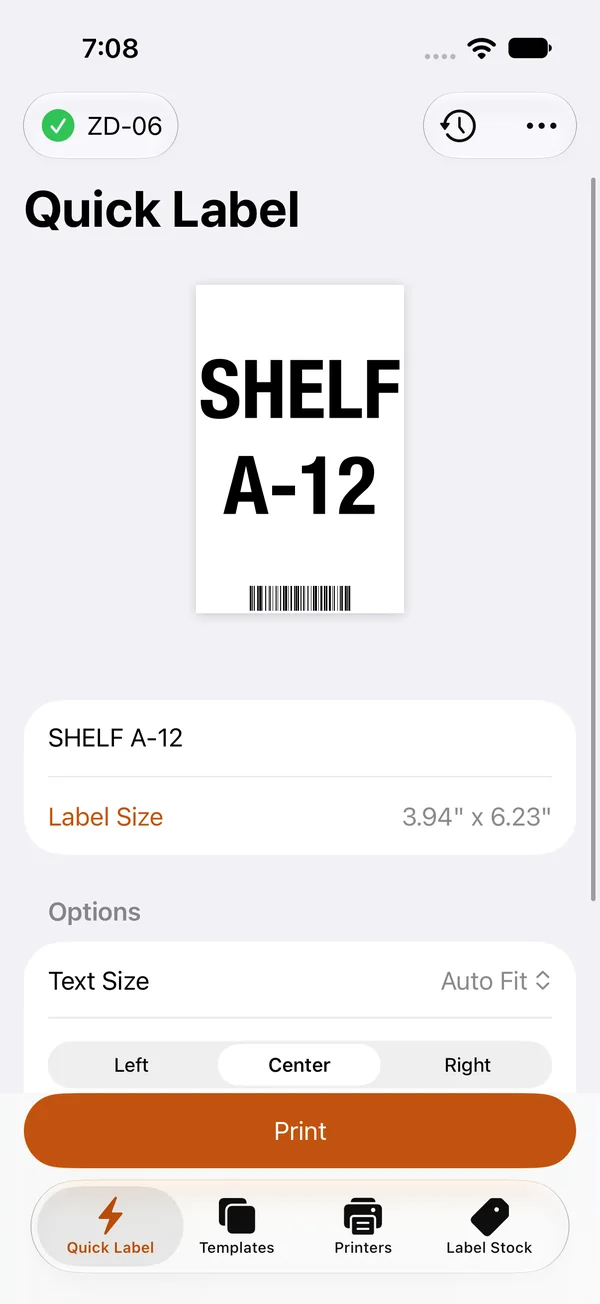
Quick Label
Type, check the preview, print. Text sizes itself to fit the label, with an optional barcode or QR code.

LabelJig sets up thermal label printers, gets them printing again when they stop, and prints the labels you need, from iPhone and iPad.
Coming to the App Store
Pick your printer, and LabelJig goes through each setting it needs, one step at a time. Every change is listed for you to review before anything is sent to the printer.
Wi-Fi passwords go to the printer and aren't saved.
Not Printing checks the printer and shows one fix at a time, starting with what the printer reports. If the printer looks ready, it asks what's happening and goes from there.
When it runs out of fixes, it prints a configuration label to send with a support request. Reset guides show the button sequence from the printer's own manual.
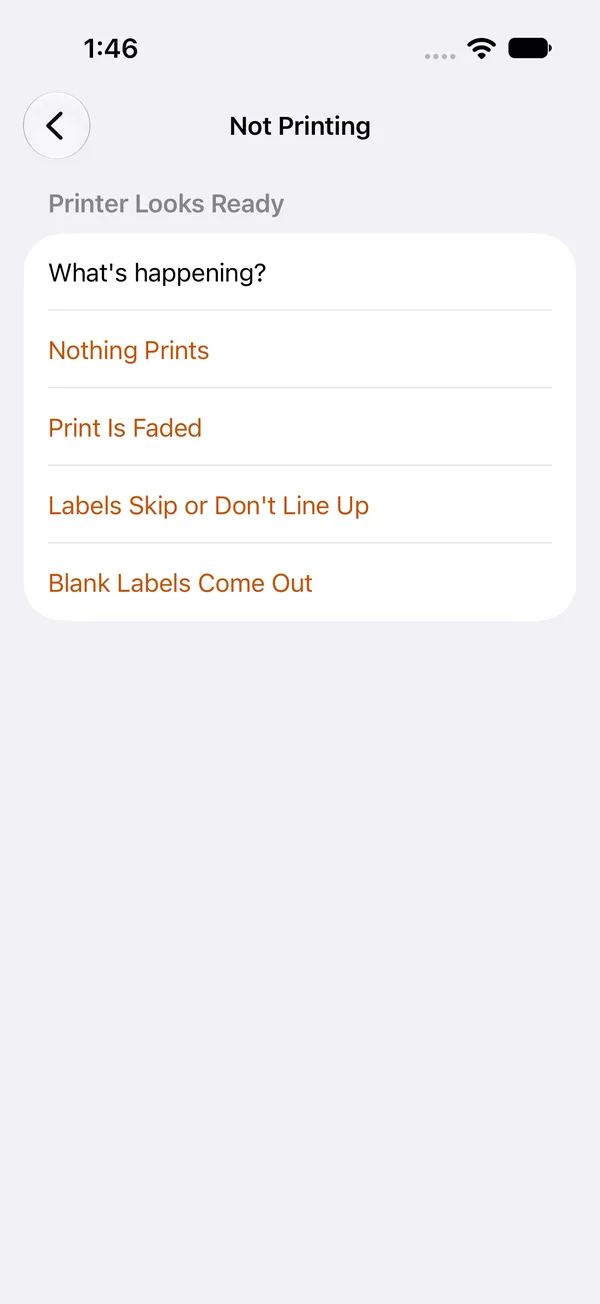
Type a quick label, or build a template with fields you fill in each time you print.
Type, check the preview, print. Text sizes itself to fit the label, with an optional barcode or QR code.
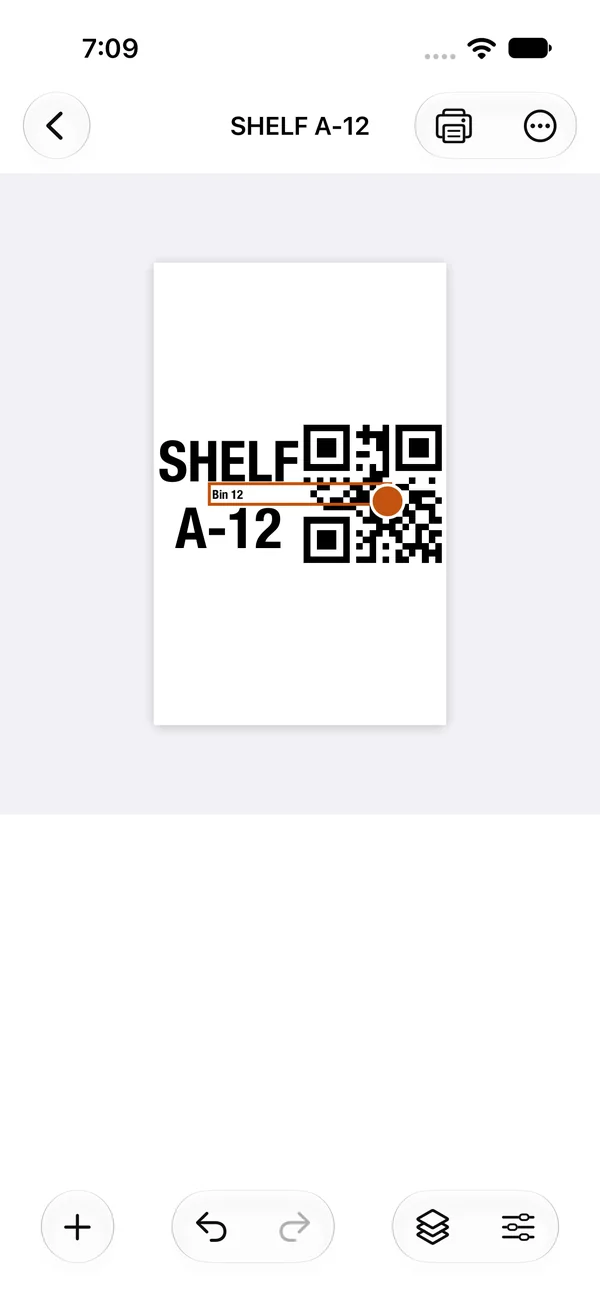
Design labels with text, barcodes, QR codes, shapes, and logos. Add serial numbers, dates, and fields you fill in when you print.
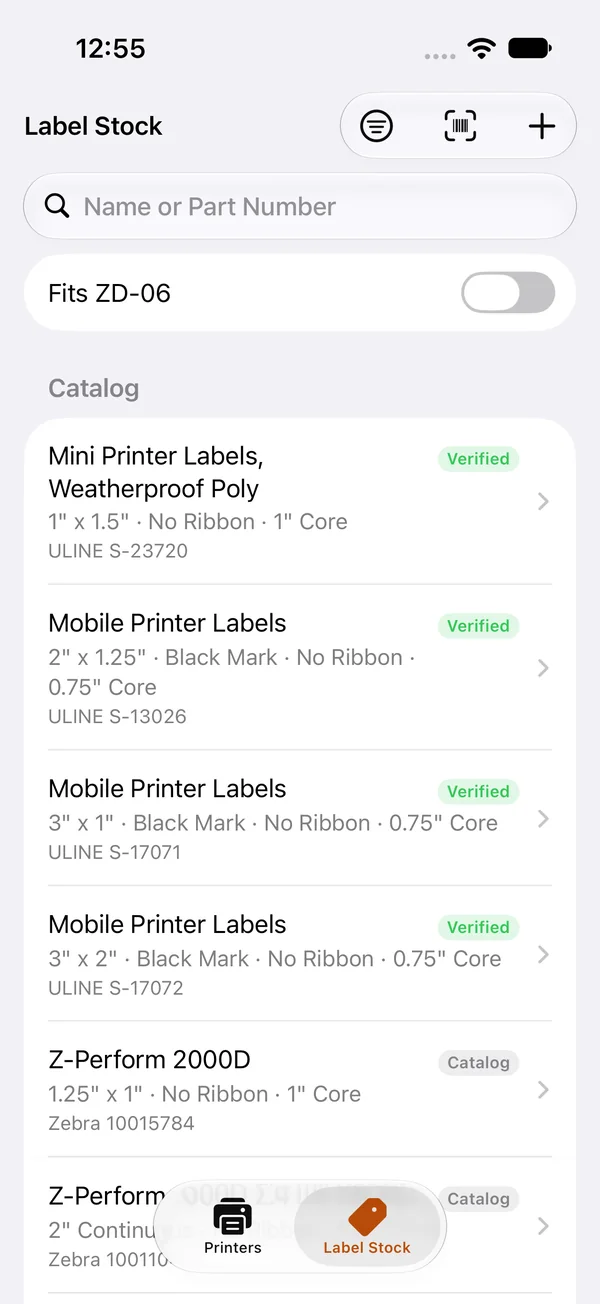
A catalog of common labels from manufacturer specs. Search by name or part number, or add your own sizes.
There's no account, and no internet connection is needed. Printers, templates, and print history stay on your device. LabelJig talks to your printers directly, over your network or Bluetooth.
LabelJig
Privacy Configuration
labeljig.app
Works with Zebra printers that use ZPL, over Wi-Fi, Ethernet, and Bluetooth.